Lynx Plus - Disarm From Alarm
When your alarm goes off, enter your code twice: once to silence the alarm and once to reset the alarm display.
Before You Start
- Your user code
Silence the Alarm and Reset the Display
Enter your user code, then press the OFF button. This silences the alarm.
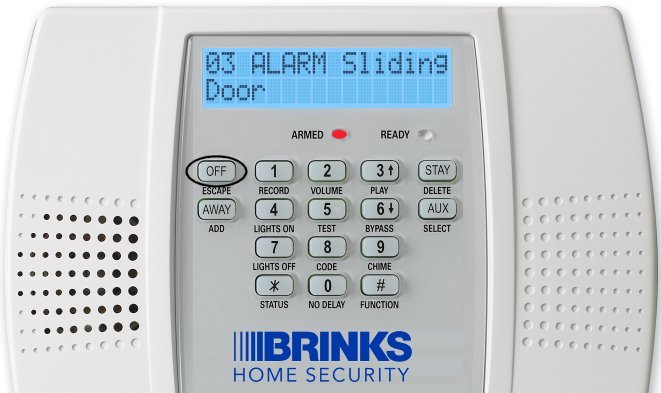
The screen shows the alarm. Press OFF. Enter your user code and press OFF again. This resets the alarm display.
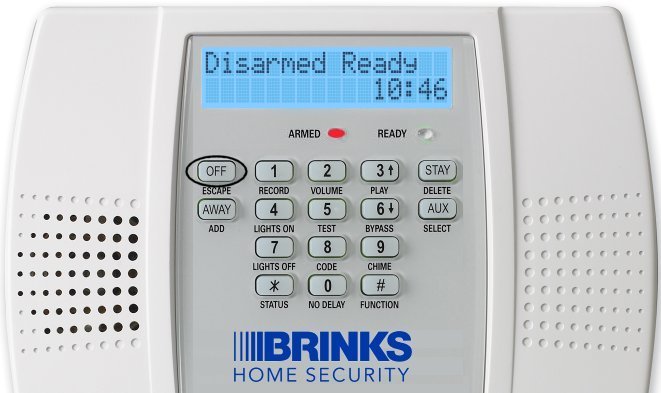
Press OFF again
How you'll know it worked: The screen shows "Disarmed Ready".
Still Need Help?
Our support team can help with your Lynx Plus.
Contact Brinks Home™ Support