Lynx Touch - Sensor Status
The green READY light shows whether your sensors are closed. If it's flashing, here's how to see which sensors are open.
Ready to Arm
The green READY light is on when all sensors are closed.

The screen reads "Ready To Arm" 
Ready light on (Lynx Touch L5200)


Not Ready to Arm
The green READY light flashes when one or more sensors are open.

The screen reads "Not Ready To Arm-Fault" 
Ready light flashing (Lynx Touch L5200) Press SECURITY.
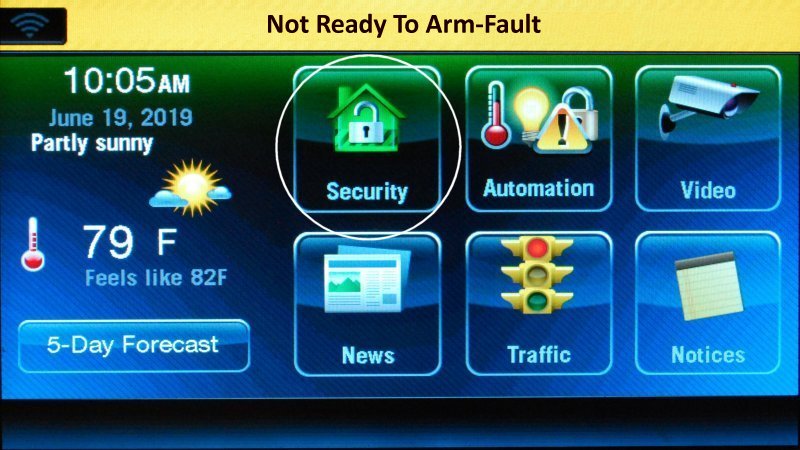
Press Security The screen shows each open sensor.
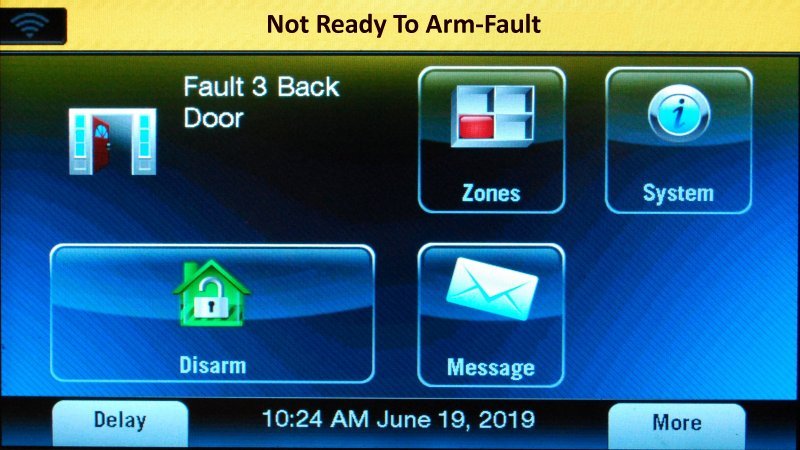
An open sensor on the screen Press the HOME button to exit.
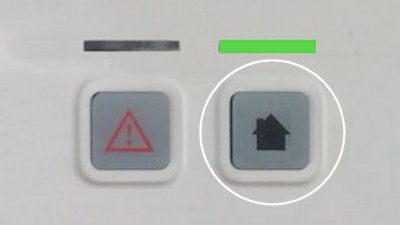
Press Home


Still Need Help?
Our support team can help with your Lynx Touch.
Contact Brinks Home™ Support